Monday, 8 December 2014
ER: Contribution to Production
I took a primary role in the digipak and magazine advert production, while taking a secondary role in editing. This meant that I overlooked and suggested ideas for the editing process while also taking part in the use of premiere.

Thursday, 4 December 2014
Group: Review of Thursday 4/12/14
Amelia: I completed the video and exported it and I edited the image for the magazine advert and sent it to Emma-Louise for adding font and finalising. I went on to take higher quality screenshots straight from premier for the two panes in the digipak.
Emma-Louise: I downloaded the font and added it to the advertisement then saved it as a PNG file. I then went on to make a post of this.
Charlie: I planned our schedule for shooting the final album cover tomorrow and helped Emma-Louise.
Emma-Louise: I downloaded the font and added it to the advertisement then saved it as a PNG file. I then went on to make a post of this.
Charlie: I planned our schedule for shooting the final album cover tomorrow and helped Emma-Louise.
Group: Final Magazine Adverts
We have decided to do a half page advert to follow our chosen genre of pop. Pop artists usually have an unfocused reading because they are most likely to be used in adverts etc. This means that she won't need as big an advert as an upcoming artist who would need to sell themselves, her name is already established in the music industry.


Wednesday, 3 December 2014
Group: Digipak Mock Up Ideas
This week, we have been experimenting with different album cover designs that we could possibly use for our actual digipak product.
Mock Up 1: Charlie

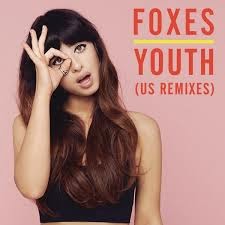
This is one example the group have come up with, to have a LS of the female actor in frame and positioned within the rule of thirds. I placed a light purple background on the design as the artists style we are trying to recreate only using light colours. The stance and hand signal the actor is displaying symbolises the artist 'Foxes', in imitating one of her iconic poses she uses on an existing single cover.
Mock Up 2: Emma-Louise


Thursday, 27 November 2014
Group: Mock Photos


We tried out very feminine gestures such as pouting to emphasise that women have a position in the music industry. It was also for a bubbly, friendly, 'pop' portrayal of the artist.


Generally We have aimed to position Charlie in the centre of frame looking directly at the camera but also took more candid shots of her laughing and caught off guard to create a more spontaneous and authentic viewpoint on our artist.


For our real shoot we will have Charlie dressed in the same outfit she wears in our video to create an obvious link. She will also wear the fox mask for the back cover image to link to the artist.


Some gestures we had observed by 'Foxes' herself such as the one above on the left. In review we really don't think this is the type of image we want as our front cover because it does not look natural.

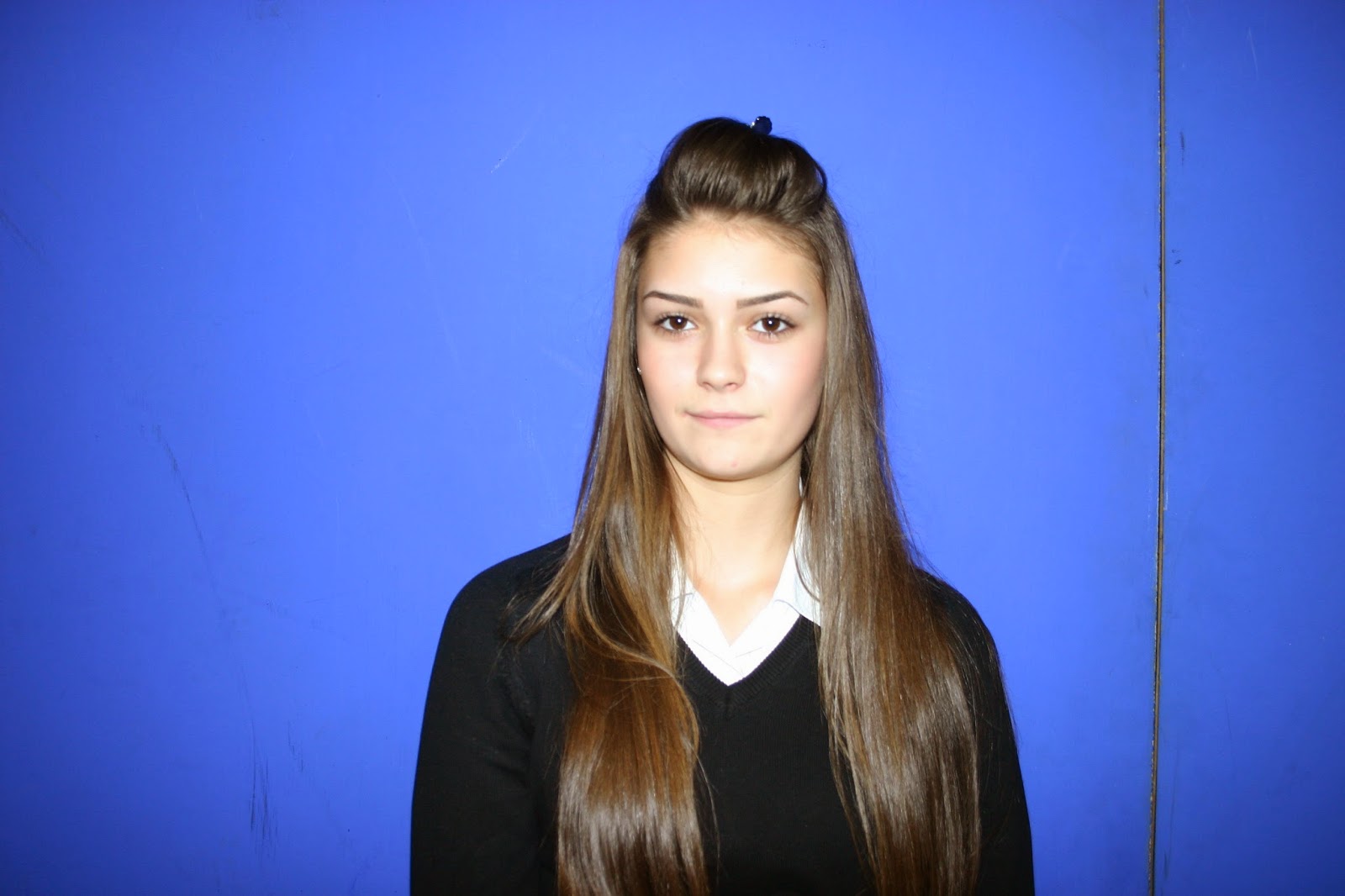
We experimented with and without flash to get an idea of the exposure and colours that could be created. We prefer the images with flash because they have a clean, professional, studio look.


References to the illuminati are a common feature of musicians of the 21st century so we have experiments with this as well. It gives the look of the images a quirky, edgy appeal that is very current.


Goup: Review of Thursday 27/11/14
In this double lesson we collaboratively looked through our footage finding areas that needed improvement such as faster cutting rates and editing techniques like colour grading and overlays. We took screenshots for potential inside panes and made a blog post of our findings. We then went on to take our mock photos of Charlie in front of the blue screen in the positions we had planned. We tried out several expressions and hand gestures then made a post of this.
Todays lesson has successfully prepared us for moving on to the editing of the (hopefully) final draft of our product as well as the development of our mock digipak and advert then quickly onto the real product. The next stage will be to practise editing our mock photos and screenshots then to plan a day and location to take the real photos.
Todays lesson has successfully prepared us for moving on to the editing of the (hopefully) final draft of our product as well as the development of our mock digipak and advert then quickly onto the real product. The next stage will be to practise editing our mock photos and screenshots then to plan a day and location to take the real photos.
Subscribe to:
Posts (Atom)